Khmer OCR — Image to Text & PDF
ស្រង់អត្តបទភាសាខ្មែរពីរូបភាពនិងឯកសារក្រុម
- Khmer script recognition
- Subscript consonants
- Complex vowels
Free image OCR. No account needed. PDFs use pages.
Open OCR for all languagesMammogram brochure, 1997
Real scan. Unedited OCR.
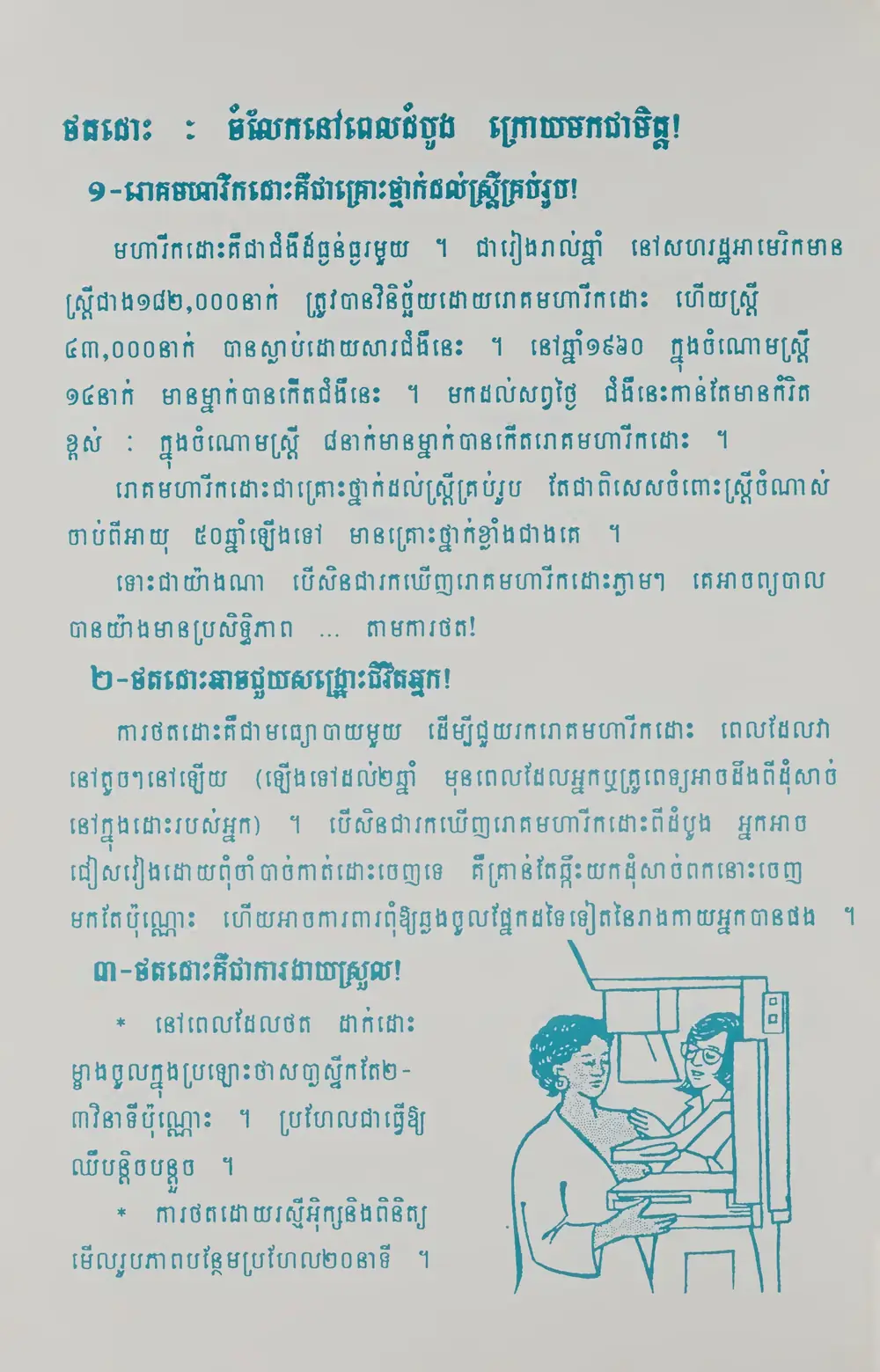
ថតដោះ ចំលែកនៅពេលដំបូង ក្រោយមកជាចិត្ត!
១-រោគមហារីកដោះគឺជាគ្រោះថ្នាក់ដល់ស្ត្រីគ្រប់រូប!
មហារីកដោះគឺជាជំងឺដ៏ធ្ងន់ធ្ងរមួយ... រៀងរាល់ឆ្នាំ នៅសហរដ្ឋអាមេរិកមាន
ស្ត្រីជាង១៨២,០០០នាក់ ត្រូវបានវិនិច្ឆ័យដោយរោគមហារីកដោះ ហើយស្តី
៤៣,០០០នាក់ បានស្លាប់ដោយសារជំងឺនេះ នៅឆ្នាំ១៩៦០ ក្នុងចំណោមស្រ្តី
១៤នាក់ មានម្នាក់ បានកើតជំងឺនេះ មកដល់សព្វថ្ងៃ ជំងឺនេះកាន់តែមានកំរិត
ខ្ពស់ ក្នុងចំណោមស្រ្តី ៨នាក់មានម្នាក់បានកើតរោគមហារីកដោះ។
រោគមហារីកដោះជាគ្រោះថ្នាក់ដល់ស្រ្តីគ្រប់រូប តែជាពិសេសចំពោះស្ត្រីចំណាស់
ចាប់ពីអាយុ ៥០ឆ្នាំឡើងទៅ មានគ្រោះថ្នាក់ខ្លាំងជាងគេ...។
ទោះជាយ៉ាងណា បើសិនជារកឃើញរោគមហារីកដោះ ភ្លាមៗ គេអាចព្យាបាល
បានយ៉ាងមានប្រសិទ្ធិភាព... តាមការថត!
២-ថតដោះអាចជួយសង្រ្គោះជីវិតអ្នក!
ការថតដោះគឺជាមធ្យោបាយមួយ ដើម្បីជួយរករោគមហារីកដោះ ពេលដែលវា
នៅតូចៗនៅឡើយ(ឡើងទៅដល់២ឆ្នាំ មុនពេលដែលអ្នកឬគ្រូពេទ្យអាចដឹងពីដុំសាច់
នៅក្នុងដោះរបស់អ្នក) បើសិនជារកឃើញរោគមហារីកដោះពីដំបូង អ្នកអាច
ជៀសវៀងដោយពុំចាំ បាច់កាត់ដោះចេញទេ គឺគ្រាន់តែធ្លុះយកដុំសាច់ពកនោះចេញ
មកតែប៉ុណ្ណោះ ហើយអាចការពារពុំឱ្យឆ្លងចូលផ្នែកដទៃទៀតនៃរាងកាយអ្នក បានផង។
៣-ថតនោះគឺជាការងាយស្រួល!
* នៅពេលដែលថត ដាក់ដោះ
ម្ខាងចូលក្នុងប្រឡោះថាសប្លាស្ទីកតែ២–
៣វិនាទីប៉ុណ្ណោះ។ ប្រហែលជាធ្វើឱ្យ
ឈឺបន្តិចបន្តួច។
* ការថតដោយរស្មីអ៊ុក្សនិងពិនិត្យ
មើលរូបភាពបន្ថែមប្រហែល២០នាទី។
Original text order preserved
Khmer OCR converts images, scans and PDFs containing Khmer (ភាសាខ្មែរ) text into editable, searchable digital text. FastOCR reads Khmer online: upload an image with no account, or a PDF with a free account, then copy the text or download a searchable PDF. Accuracy depends on scan quality, so check the result against your original.
Try it with your Khmer document
Drop your file here
PDF, PNG, JPG, WebP, BMP, HEIC
PDF up to 1 GB · images up to 20 MB
Tips for a clear photo
- Lay the page flat.
- Use even light, with no shadows.
- Turn off the flash to avoid glare.
- Fill the frame with the page.
What is Khmer OCR & Developer API?
Developer API docs →Khmer OCR is the automated process of converting scanned multi-page PDFs up to 1GB and documents into editable, searchable Khmer text while preserving accents, complex ligatures, and native character shapes. FastOCR reads printed text in this script and generates full-text searchable PDFs with selectable text overlays. For engineering teams building RAG pipelines, vector search databases, or automated document ingestion, FastOCR also provides a Khmer OCR REST API at api.fastocr.org with 20 free pages a month for every signed-in account. The API accepts PDF files up to 1 GiB, and PNG, JPG, JPEG, GIF, WebP and BMP images up to 20 MiB. An image counts as one page.
Khmer script recognition
Full support for Khmer consonants, vowels, and subscript forms.
Subscript consonants
Correctly handles below-base consonants (coeng) used in Khmer.
Complex vowels
Recognizes Khmer vowel diacritics that surround consonants on multiple sides.
Mixed Khmer & English
Bilingual documents with Khmer and Latin scripts handled in one pass.
Searchable PDF output
Creates PDFs with invisible text layer for full-text search.
Translate after extraction
Extract Khmer text then translate to English or any language.
Why Khmer OCR Is Challenging
- Recognizing subscript consonants (coeng) that appear below base characters and modify pronunciation
- Handling complex vowel diacritics that can appear above, below, before, or after consonants
- Distinguishing visually similar Khmer characters like ក/គ, ច/ឆ, ត/ថ in small fonts
- Processing stacked combinations where subscript consonants and vowel marks pile up
- Correctly segmenting Khmer text which has no spaces between words
How to Extract Khmer Text from a PDF & Images
- Go to fastocr.org
- Upload your Khmer image or PDF. Language is detected automatically.
- Wait for processing — images take seconds, PDFs show a progress bar.
- Download results: searchable PDF, raw text file, or copy text directly.
Tips for Better Khmer OCR Accuracy
- Scan at 300 DPI minimum to preserve the subscript consonant details below base characters
- Use clean, high-contrast scans to prevent subscript marks from merging with base characters
- Verify that subscript consonants (coeng) are not lost or merged in the output
- For documents with complex vowel stacks, increase image brightness to improve mark separation
Common Use Cases for Khmer OCR
- Digitizing Cambodian legal documents, contracts, and government records
- Extracting text from Khmer academic papers and university publications
- Converting scanned Buddhist texts and historical Cambodian manuscripts
- Processing Khmer business invoices and commercial correspondence
- Archiving Angkor-era inscriptions and historical Khmer stone carvings
FastOCR vs Standard OCR Apps for Khmer
| Capability | FastOCR Dedicated Cloud AI | Standard Online OCR Tools |
|---|---|---|
| Khmer Script Recognition | ✅ Full native cloud recognition for Khmer (complex alphabets and diacritics) | Limited character sets or unhandled accents |
| Multi-Column & Table Layouts | ✅ Preserves proper paragraph and table alignment | Merges unrelated columns together |
| Searchable PDF Output | ✅ Dual-layer searchable PDF with coordinate-aligned text overlay | Plain unformatted text dump only or unsupported |
| Instant Web Access | ✅ Zero software installation (runs in mobile & desktop browser) | Requires local CLI libraries or complex desktop setup |
Frequently Asked Questions
How accurate is Khmer OCR?
FastOCR reads printed Khmer text. Subscript consonants and complex vowel stacking present challenges that may reduce accuracy on degraded scans.
Can Khmer OCR handle subscript consonants (coeng)?
Yes. FastOCR correctly identifies subscript consonants marked with the coeng sign. High-resolution scans (300+ DPI) ensure the small subscript forms are accurately recognized.
Is Khmer OCR free?
Yes. Image OCR is free with no registration. PDF processing requires a free account — see fastocr.org/pricing for plan details.
What file formats are supported for Khmer OCR?
FastOCR supports JPG, PNG, GIF, WebP, BMP images and PDF documents. Max 20MB for images, 1GB for PDFs.
Dedicated Khmer Tools
PDF to Text
Convert and extract Khmer documents.
Image to Text
Convert and extract Khmer documents.
Searchable PDF
Convert and extract Khmer documents.
Khmer to English Translation
Convert and extract Khmer documents.
English to Khmer Translation
Convert and extract Khmer documents.
All supported languages
Convert and extract Khmer documents.
Explore Specialized OCR Workflows
FastOCR provides dedicated AI text recognition engines optimized for complex document types and formats:
Free for images. No registration required.
Related Articles & Resources
Thai OCR
OCR for Thai — another Southeast Asian script
Lao OCR
OCR for Lao — closely related to Khmer script
Image to Text
Convert any image to editable text instantly
PDF to Text
Extract text from scanned and native PDFs
What is OCR?
Learn how optical character recognition technology works.
How Accurate Is OCR?
Discover the accuracy limits of modern OCR technology.
Khmer OCR Guide
Read the complete guide to Khmer OCR and text extraction.
Free Khmer OCR
Upload & Extract TextLast updated: July 24, 2026