Extract Text from PDFs & Images Instantly
Drop a file and get editable text in seconds — then translate to any language.
Drop your file here
PNG, JPG, PDF
Real documents. Real results.
Upload any document — here's what you get back
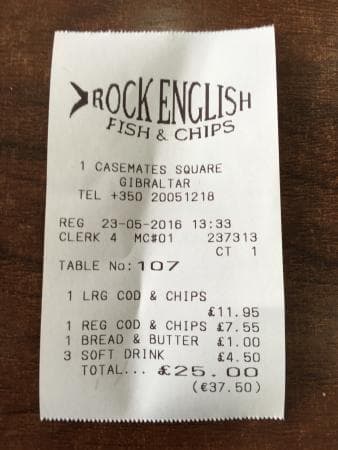
OCR makes mistakes. AI fixes them.
Click the button below — watch errors disappear in real time.
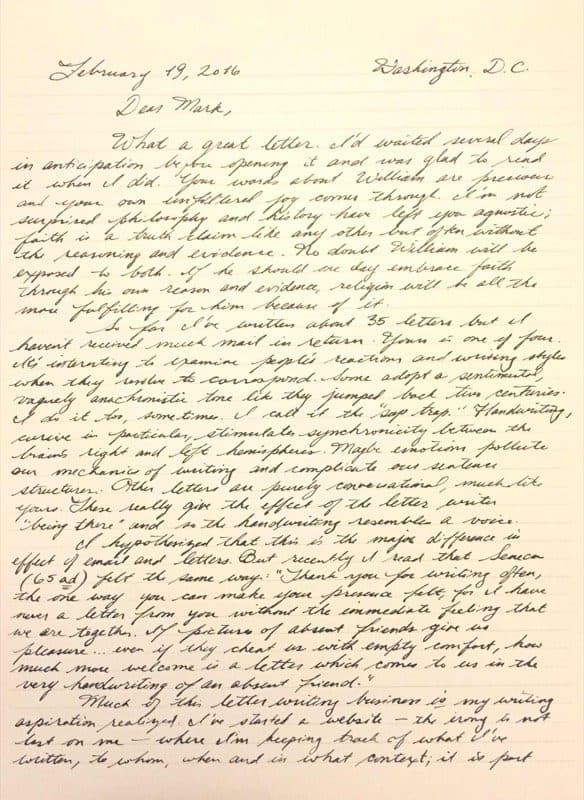
Dear Mark,

What a great letter. I'd waited several a
days in anticipation to the opening it and was glad to read
it when I did. Your words about William are precious
and your own unfiltered for comes through. I'm not
surprised philosophy and history have left you agnostic;
faith is a bruth claim like any other but often without
the reasoning and evidence.
How OCR Works
Three steps from scanned document to editable text
Upload Your File
Drop any image (JPG, PNG, GIF, WebP, BMP) or PDF document. All file sizes supported.
AI Processing
Our OCR engine detects text regions and converts characters to digital text using AI.
Get Your Text
Copy, download, translate to any language, or get a searchable PDF — instantly.
Popular OCR Tools
Explore our specialized AI-powered tools for different use cases
Image to Text
Convert JPG, PNG, GIF, WebP images to editable text
PDF to Text
Extract text from scanned and native PDFs
Make PDF Searchable
Add an invisible text layer to scanned PDFs
Compare OCR Tools
FastOCR vs Tesseract, Adobe, ABBYY, Textract & more
OCR Help & Q&A
Fix blurry scans, unsearchable PDFs, and OCR errors
OCR by Language
Frequently Asked Questions
Common questions about text extraction
Is FastOCR really free?
Image text extraction is completely free with no limits and no registration. PDF processing requires a free Google sign-in and includes 3 PDFs per month. Pro plans start at $9.99/month for higher volumes.
What file types can I upload?
Images: JPG, PNG, GIF, WebP, and BMP up to 20MB. PDFs: any size up to 1GB, including multi-page scanned documents. Language is detected automatically.
Can I translate the extracted text?
Yes. After extracting text from an image, you can translate it to 65+ languages with one click directly from the results page.
Do I need to create an account?
No account needed for image OCR — upload and get text immediately. A free Google sign-in is required for PDF processing and to access your results history.
How do I get the best OCR results?
Use high-resolution images (300 DPI or higher for scans), ensure good lighting with no shadows across the text, and keep the document straight. Crop out borders and non-text areas before uploading.
Is my data private?
Your files are stored securely and automatically deleted after 30 days. We do not use your documents to train AI models. You can access and re-download your results anytime within the 30-day window.